We replaced our chatbot with a Botsify Agent and cut support response time by 60%. It feels like having a 24/7 employee who never asks for a raise.
Micaela Brown
Founder, MicaelaBrown.com

5
The AI agent handles 80% of our customer inquiries automatically. Our team can now focus on complex cases while the bot manages routine questions flawlessly.
Ashfaque Ahmed
GM, EFU Life
5
Setup was incredibly easy — we had our first agent running in under 10 minutes. The multilingual support has been a game-changer for our global customers.
Lufuno Madau
Founder at The MoonShot
5
Our conversion rate increased by 35% after implementing the Botsify sales agent. It is like having our best salesperson available 24/7.
Steve Tompkinson
Director at DisruptionWorks
5
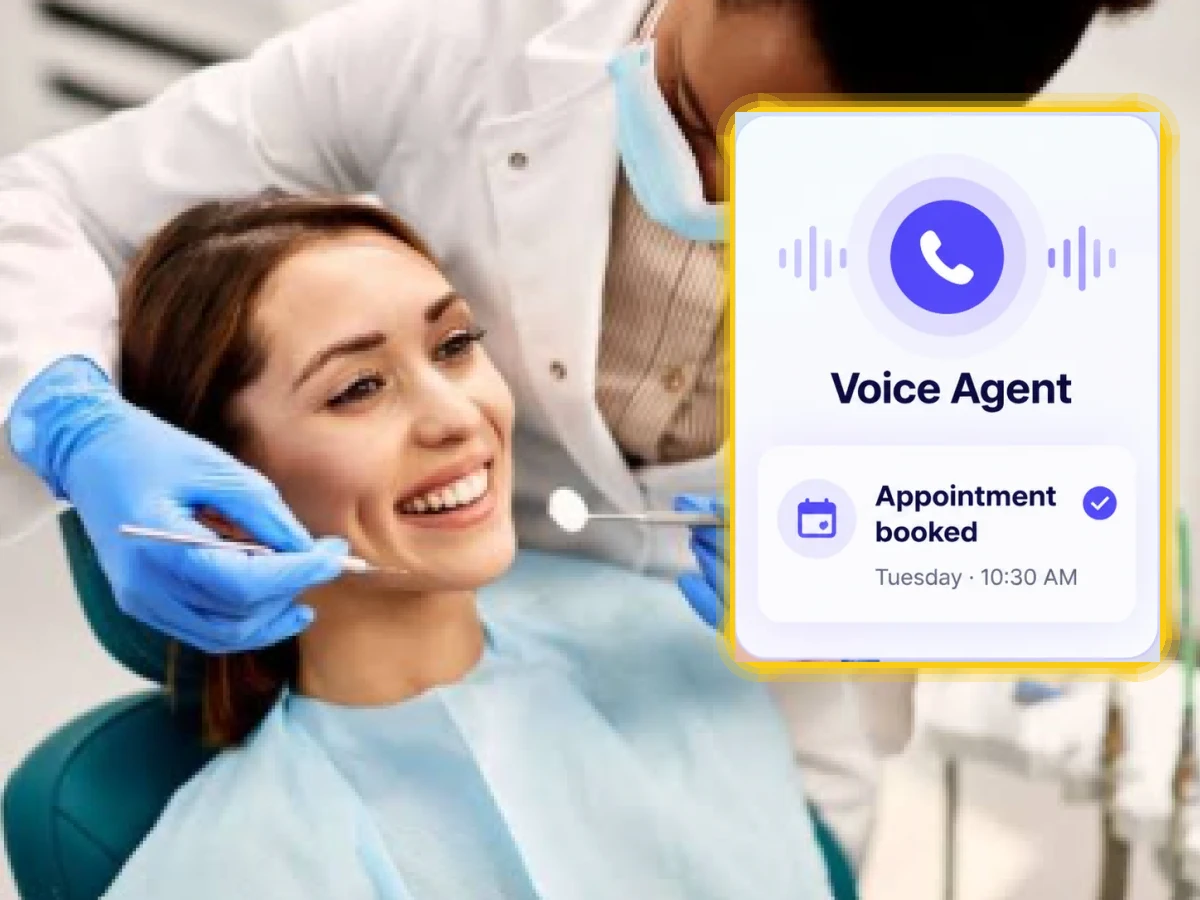
The voice AI feature is revolutionary. Our customers love being able to speak naturally, and the accuracy is impressive. ROI was achieved in the first month.
Aleric Ong
Founder of Singapore’s largest Facebook Marketing Community
5
After implementing the Botsify chatbot, managing customer queries has become much easier for our team. The chatbot handles most of the basic questions automatically, which saves our agents a lot of time.
Manahil
Customer Support Manager, Inverex Solar Energy
5
We replaced our chatbot with a Botsify Agent and cut support response time by 60%. It feels like having a 24/7 employee who never asks for a raise.
Micaela Brown
Founder, MicaelaBrown.com
5
The AI agent handles 80% of our customer inquiries automatically. Our team can now focus on complex cases while the bot manages routine questions flawlessly.
Ashfaque Ahmed
GM, EFU Life
5
Setup was incredibly easy — we had our first agent running in under 10 minutes. The multilingual support has been a game-changer for our global customers.
Lufuno Madau
Founder at The MoonShot
5
Our conversion rate increased by 35% after implementing the Botsify sales agent. It is like having our best salesperson available 24/7.
Steve Tompkinson
Director at DisruptionWorks
5
The voice AI feature is revolutionary. Our customers love being able to speak naturally, and the accuracy is impressive. ROI was achieved in the first month.
Aleric Ong
Founder of Singapore’s largest Facebook Marketing Community
5
After implementing the Botsify chatbot, managing customer queries has become much easier for our team. The chatbot handles most of the basic questions automatically, which saves our agents a lot of time.
Manahil
Customer Support Manager, Inverex Solar Energy
5
We replaced our chatbot with a Botsify Agent and cut support response time by 60%. It feels like having a 24/7 employee who never asks for a raise.
Micaela Brown
Founder, MicaelaBrown.com
5
The AI agent handles 80% of our customer inquiries automatically. Our team can now focus on complex cases while the bot manages routine questions flawlessly.
Ashfaque Ahmed
GM, EFU Life
5
Setup was incredibly easy — we had our first agent running in under 10 minutes. The multilingual support has been a game-changer for our global customers.
Lufuno Madau
Founder at The MoonShot
5
Our conversion rate increased by 35% after implementing the Botsify sales agent. It is like having our best salesperson available 24/7.
Steve Tompkinson
Director at DisruptionWorks
5
The voice AI feature is revolutionary. Our customers love being able to speak naturally, and the accuracy is impressive. ROI was achieved in the first month.
Aleric Ong
Founder of Singapore’s largest Facebook Marketing Community
5
After implementing the Botsify chatbot, managing customer queries has become much easier for our team. The chatbot handles most of the basic questions automatically, which saves our agents a lot of time.
Manahil
Customer Support Manager, Inverex Solar Energy
5